Online Access
Main → Settings → Online Access
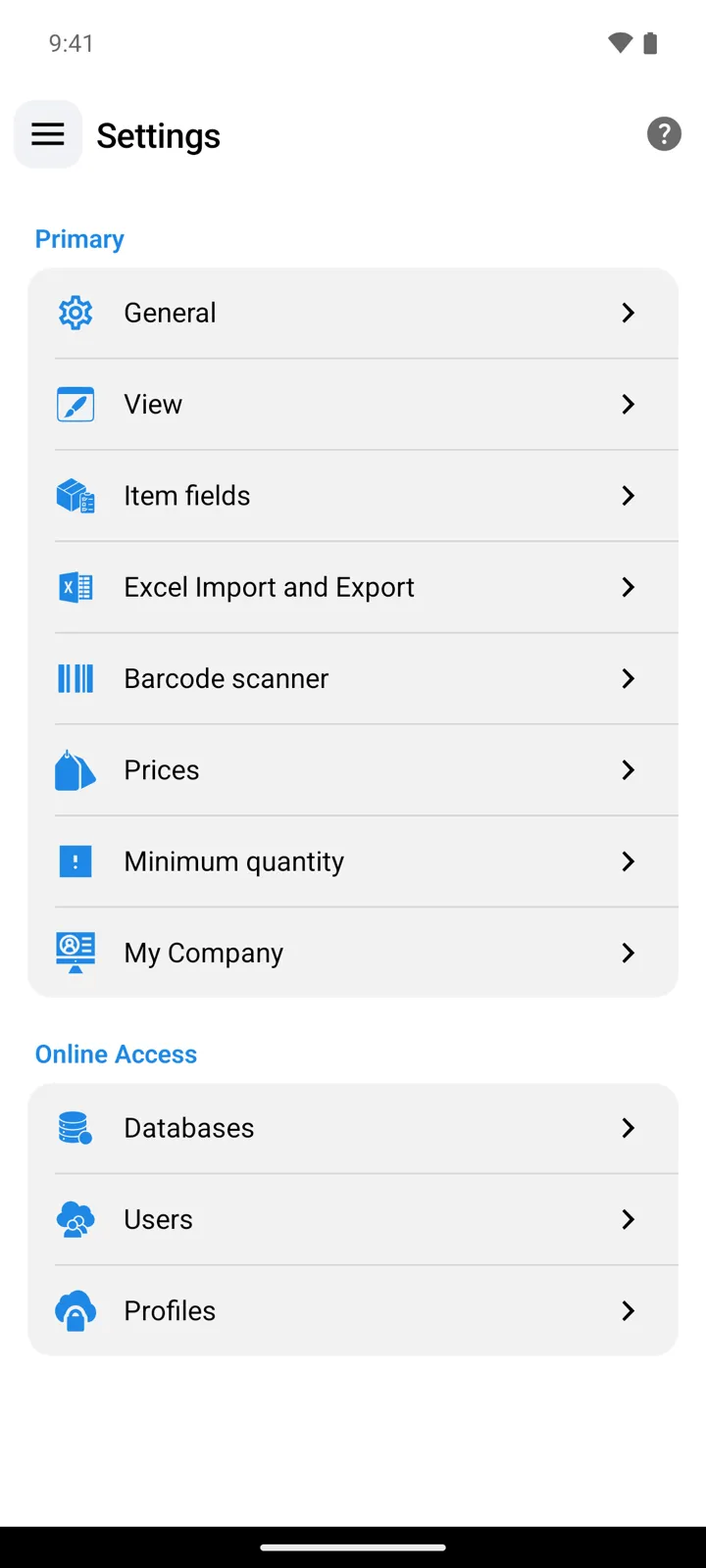
In StoDo Online the Settings screen has two sections. Primary holds the app preferences the previous pages describe; Online Access is the cloud layer — short on settings, big on doors:
| Entry | Where it leads | Who sees it |
|---|---|---|
| Databases | The databases list: switch between databases, open the connected one’s tools. | Everyone. |
| Users | Your team: user cards, invitations, store access. | Owner only. |
| Profiles | Permission profiles: what each role may do. | Owner only. |
Good to know
Section titled “Good to know”- Missing Users and Profiles? You’re signed in to a database you were invited to — team management belongs to its owner.
- My Company appears at the end of the Primary section for the owner and admin-profile users — what it fills in.
- StoDo Simple shows a Users entry in its Settings too — there it opens a web page about StoDo Online, the multi-user edition. Working with a team means moving to Online.
Still need help? Contact us